
The Challenge
One expired certification can fail your entire audit. Most companies find out too late.
Element 4 of the COR 2020 standard, Competency & Training, carries a 1.1x weight multiplier. It is one of the most heavily scrutinized elements in any audit. Auditors will ask to see training records, orientation checklists, and certification documents for your workers. If anything is missing, expired, or unverifiable, your score drops.
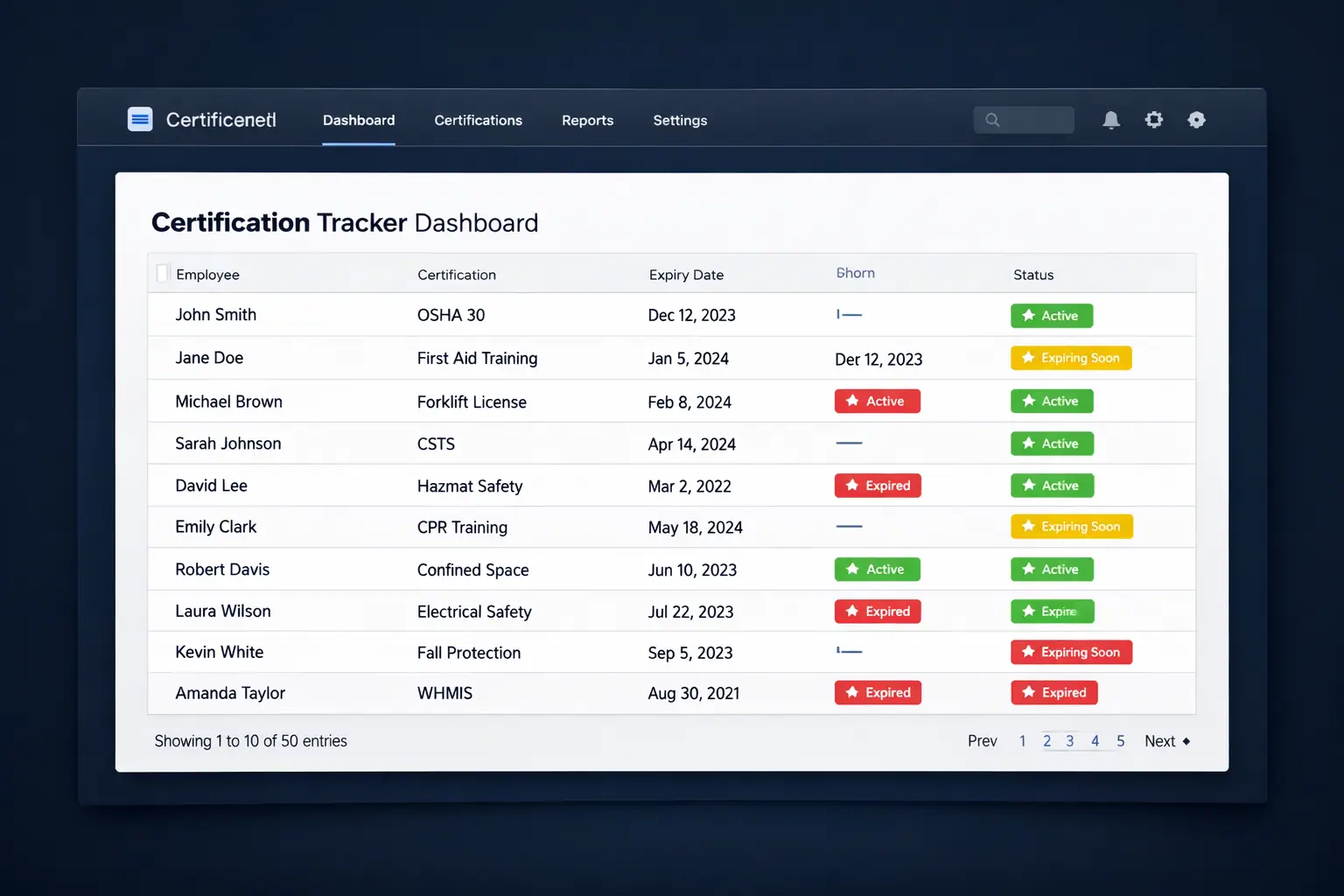
For most companies, tracking certifications means a spreadsheet someone updates when they remember to, or a filing cabinet full of paper certificates that nobody has looked at in months. COR Pathways replaces all of that with a live, automated certification tracker that tells you exactly where you stand at all times.
John M.: First Aid certification expired 47 days ago
Site crew: WHMIS training, 3 workers not on record
Equipment operator certification: expiring in 14 days
COR Pathways flags every issue like this automatically, weeks before it becomes a problem.
The Certification Tracker
A complete picture of your team’s compliance, at a glance.
The certification dashboard gives admins instant visibility into the compliance status of every worker, every certification type, and every upcoming expiry.
Live Compliance Overview
At the top of every dashboard view: total workers, active certifications, expiring within 30 days, expired certifications, and your overall company compliance rate. One number tells you how you're doing.
24
Workers
98
Active
4
Expiring
1
Expired
94%
Compliant
Automated Expiry Notifications
COR Pathways sends automatic alerts when certifications are approaching expiry: to the admin, the supervisor, and optionally the worker themselves. Set your own notification window: 90 days, 60 days, 30 days, or custom. Never be surprised by an expired certificate again.
Training Matrix by Role
See which certifications are required for each role in your company, and which workers are missing them. The training matrix shows you every competency gap at a glance, so you can schedule training proactively instead of reactively.
Competency Gap Analysis
The gap report identifies every worker who is missing a required certification for their role. Filter by department, jobsite, or certification type. Export the report for your audit package or use it to plan your next round of training sessions.
What Gets Tracked
Every type of certification your company needs, in one place.
COR Pathways supports four certification categories, covering everything from mandatory regulatory certifications to company-specific competency requirements. Each category can be customized to match your company's specific roles and trades.
Safety Certifications
First Aid, WHMIS, Fall Protection, Confined Space, H2S Alive, and all mandatory safety training
Operational Certifications
Equipment operator tickets, trade certifications, and role-specific competency requirements
Regulatory Certifications
Government-mandated certifications and licenses required by provincial OH&S regulations
Company-Specific Certifications
Internal training completions, orientation sign-offs, and custom competency requirements unique to your company
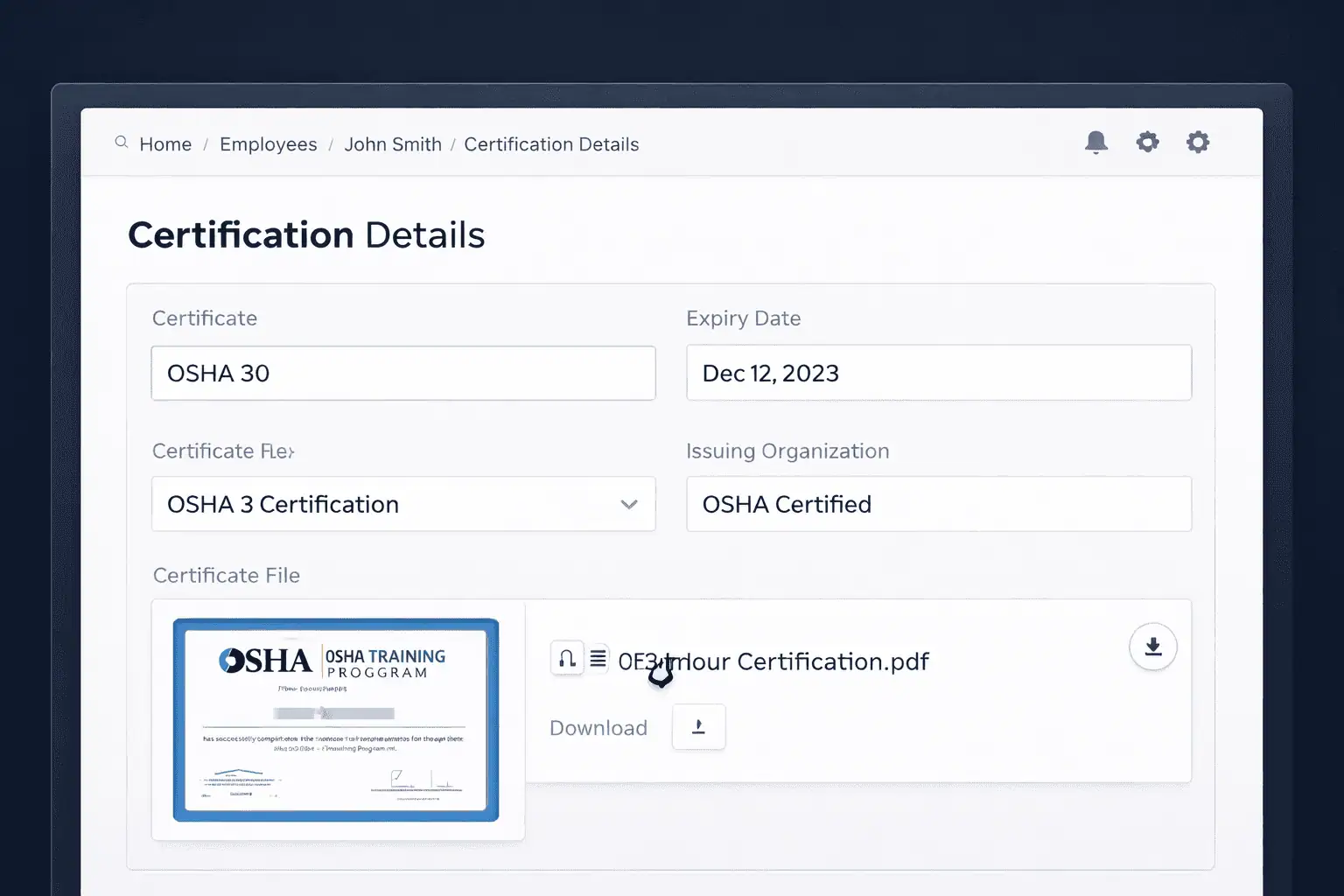
Fully customizable to match your trades, roles, and provincial requirements.

Training Records
Record training sessions. Prove competency. Pass your audit.
Every training session your company runs: toolbox talks, orientation sessions, equipment training, safety courses, can be recorded directly in COR Pathways. Log the date, the trainer, the topics covered, and every worker who attended.
Training records are linked directly to Element 8 of your COR audit: Training & Communication. When your auditor asks for your training program evidence, every session is documented, searchable, and exportable in your audit package.
Record any training session with date, trainer, attendees, and topics
Training records auto-link to Element 4 and Element 8 audit evidence
Export complete training history for your AuditSoft submission